Imagine a maker selling one mug design in two colours: 12 blue mugs and 7 white mugs on the shelf. The aim is a stock record that matches the physical count, not an automated connection to Etsy. This example is illustrative.
1. Create the product and variants
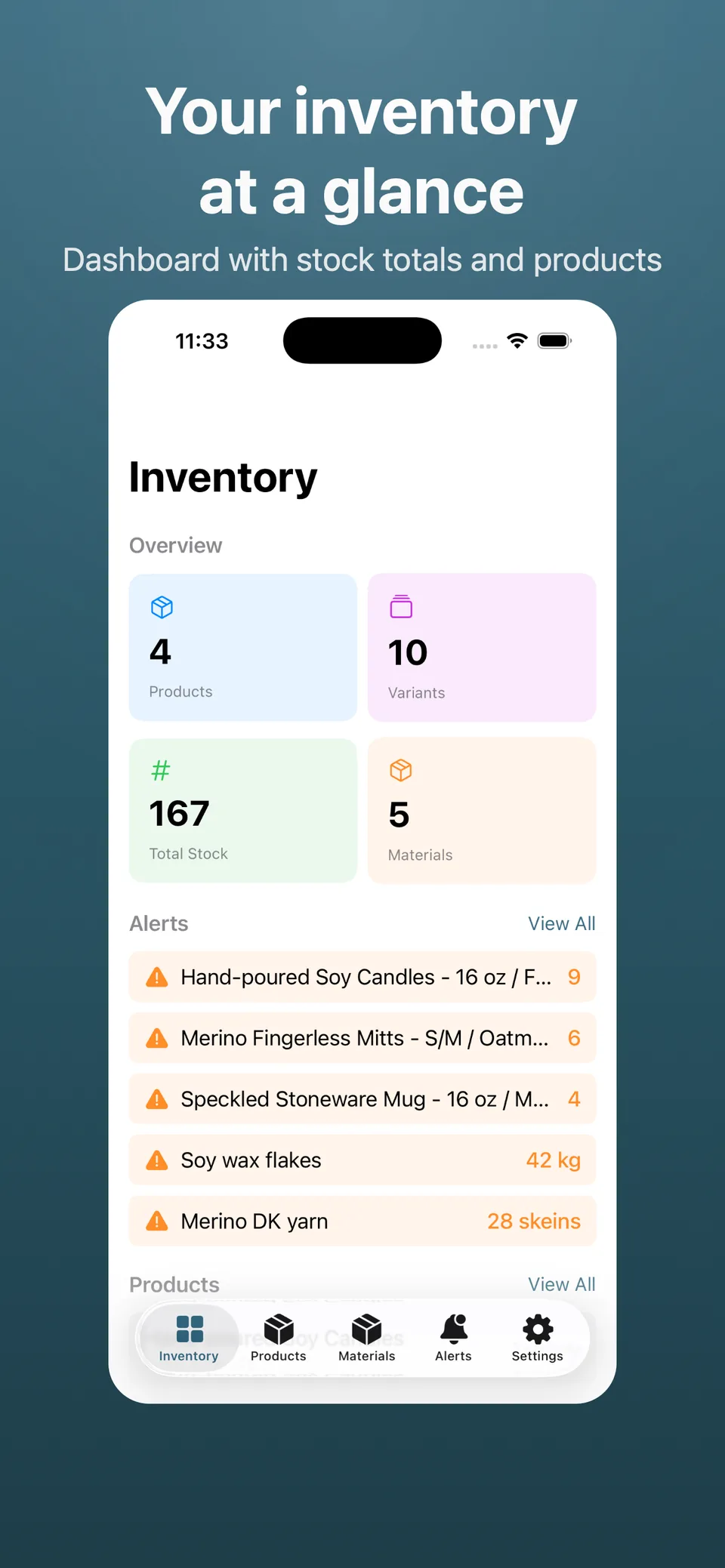
Create one mug product with a name, SKU, and category. Add blue and white variants with quantities of 12 and 7. Track sizes or materials separately when their counts need to be managed independently.
2. Reconcile a sale with the shelf
After selling one blue mug, manually change its quantity from 12 to 11. White stays at 7. Recount when replenishing or investigating a discrepancy. Low-stock thresholds highlight variants needing attention; supplier orders are still your responsibility.
3. Export and share deliberately
You can export data to CSV from the app (e.g. products, variants, materials, or a combined report) for your own backups or spreadsheets.
Sync and invitations use your Apple ID and private iCloud. Internet access is needed to synchronise and share changes.
What to check before choosing the app
Stock is updated manually. There are no marketplace integrations or accounting module.
Prices shown are USD reference prices for the app or its optional unlock. Local prices and purchase terms are displayed by Apple.