A daily business adventure.
A diary that stays yours.
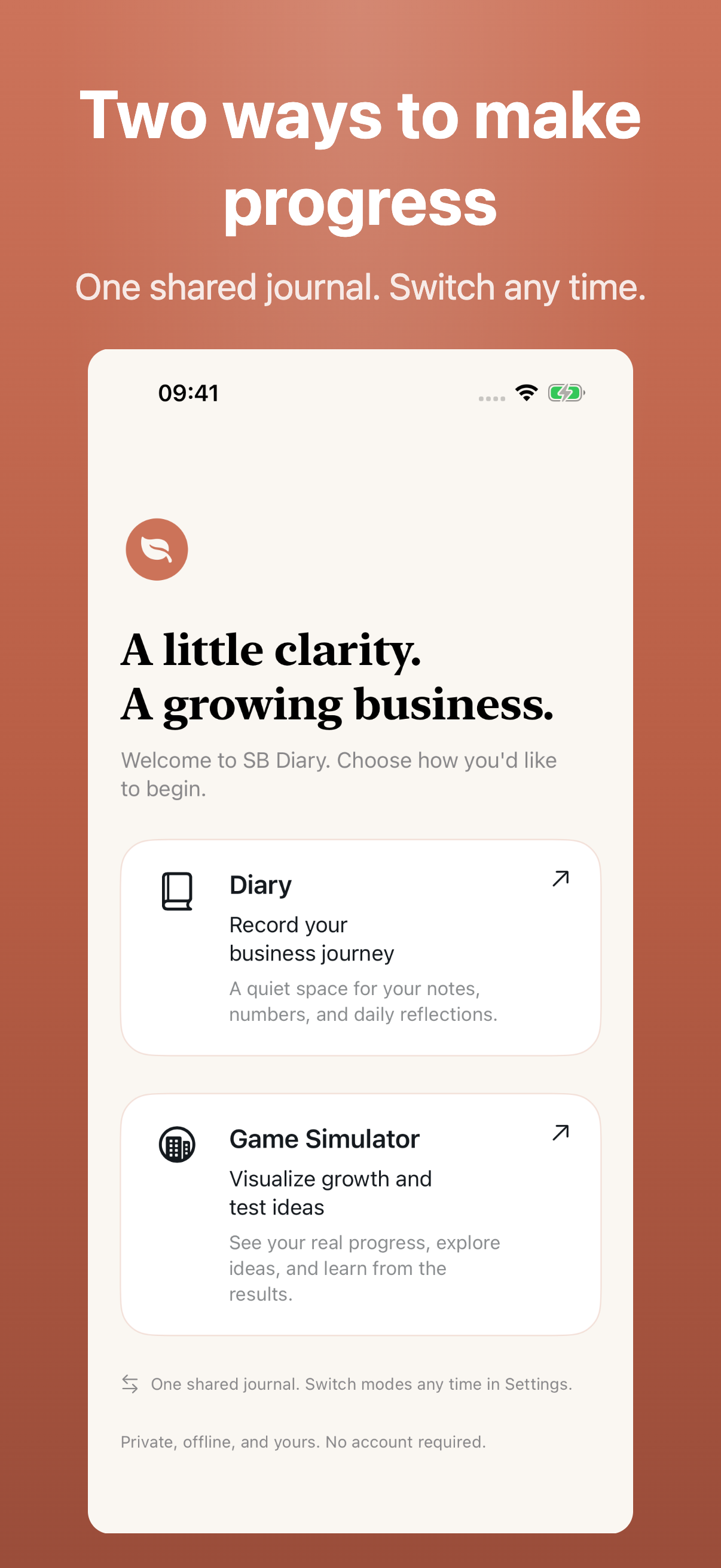
Choose Game Simulator for daily business questions, a customizable founder, and idea experiments. Choose Diary for notes, mood, and finances. Both modes share one journal, and you can switch any time.
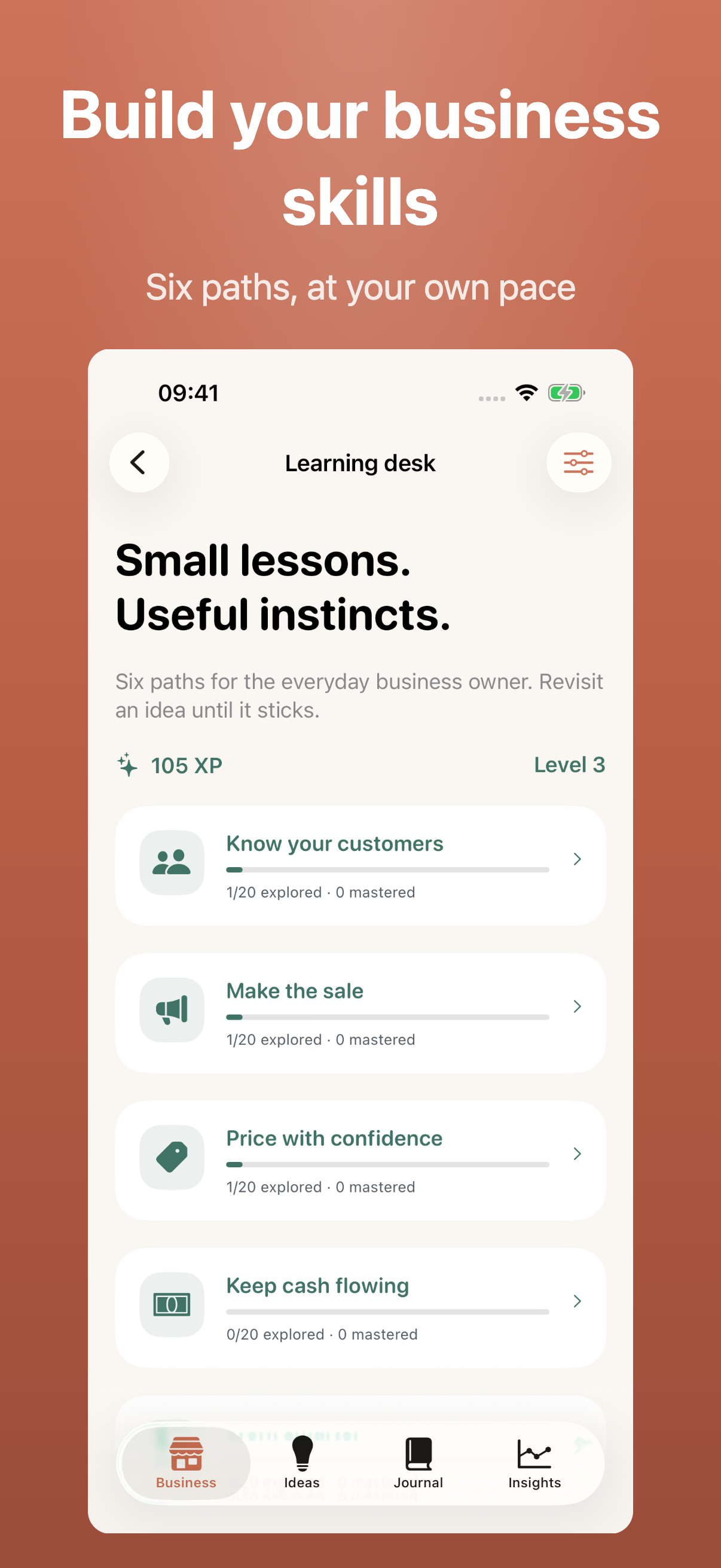
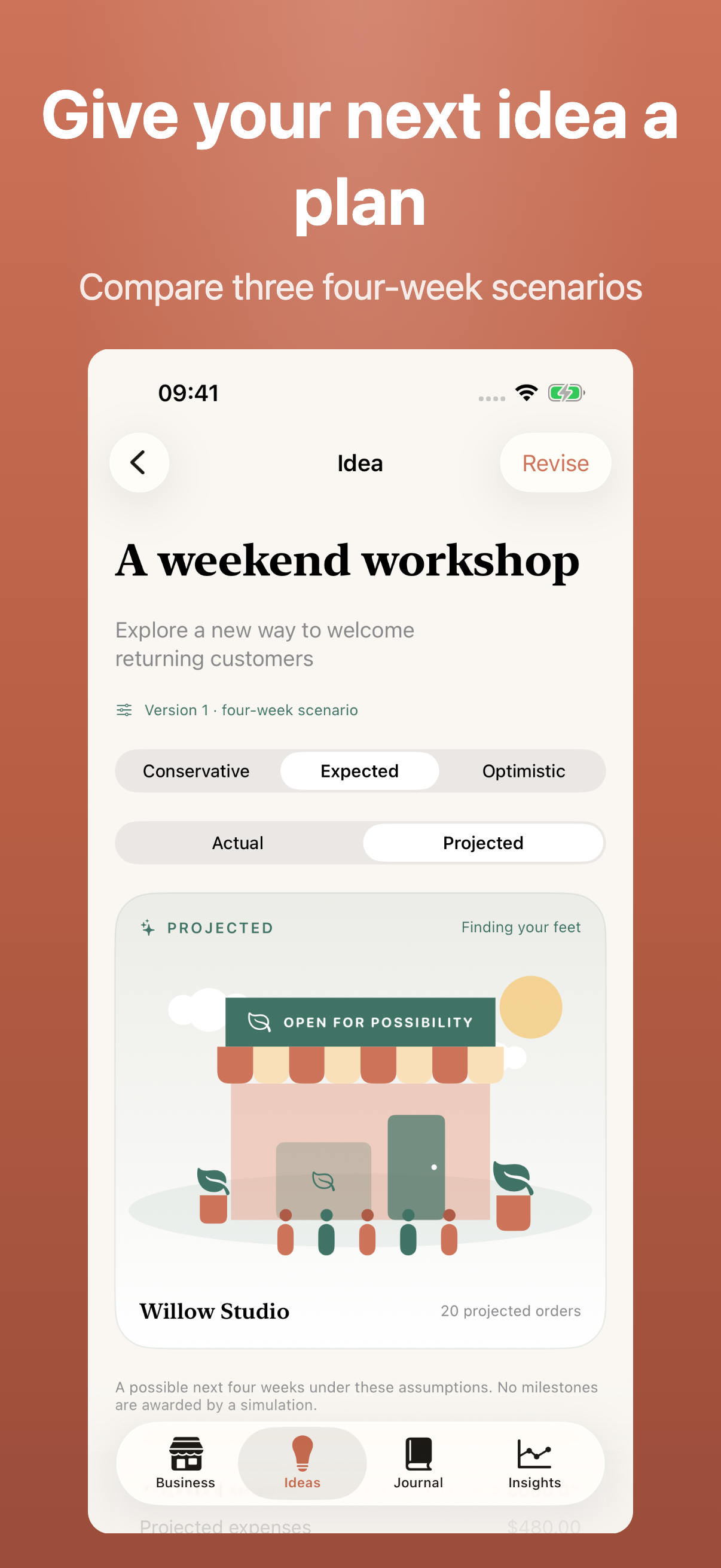
The app interface and business questions are currently in English.
Two modes.
One business journey.
Learn through play or take a quiet moment to reflect. Your notes, results, and experiments stay together whichever mode you choose.
Game Simulator
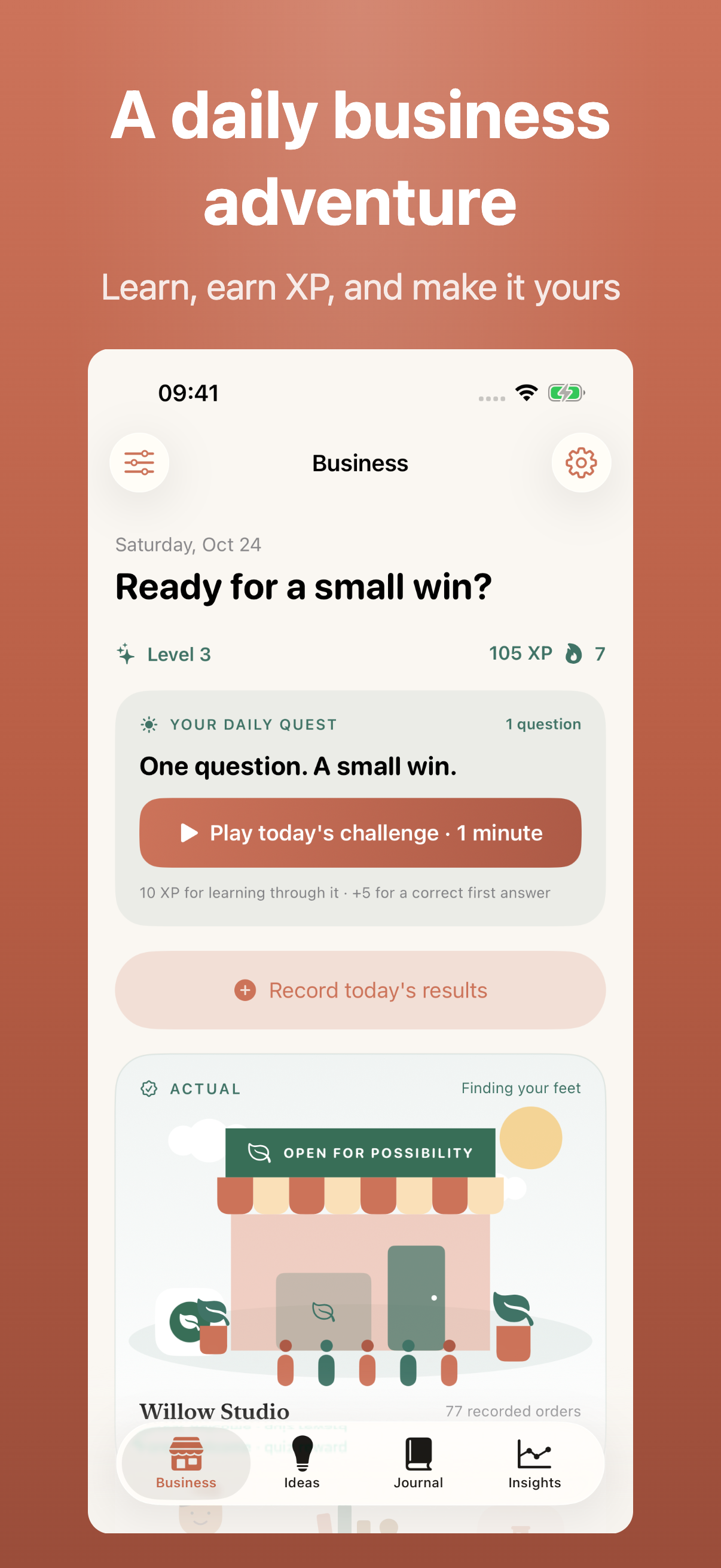
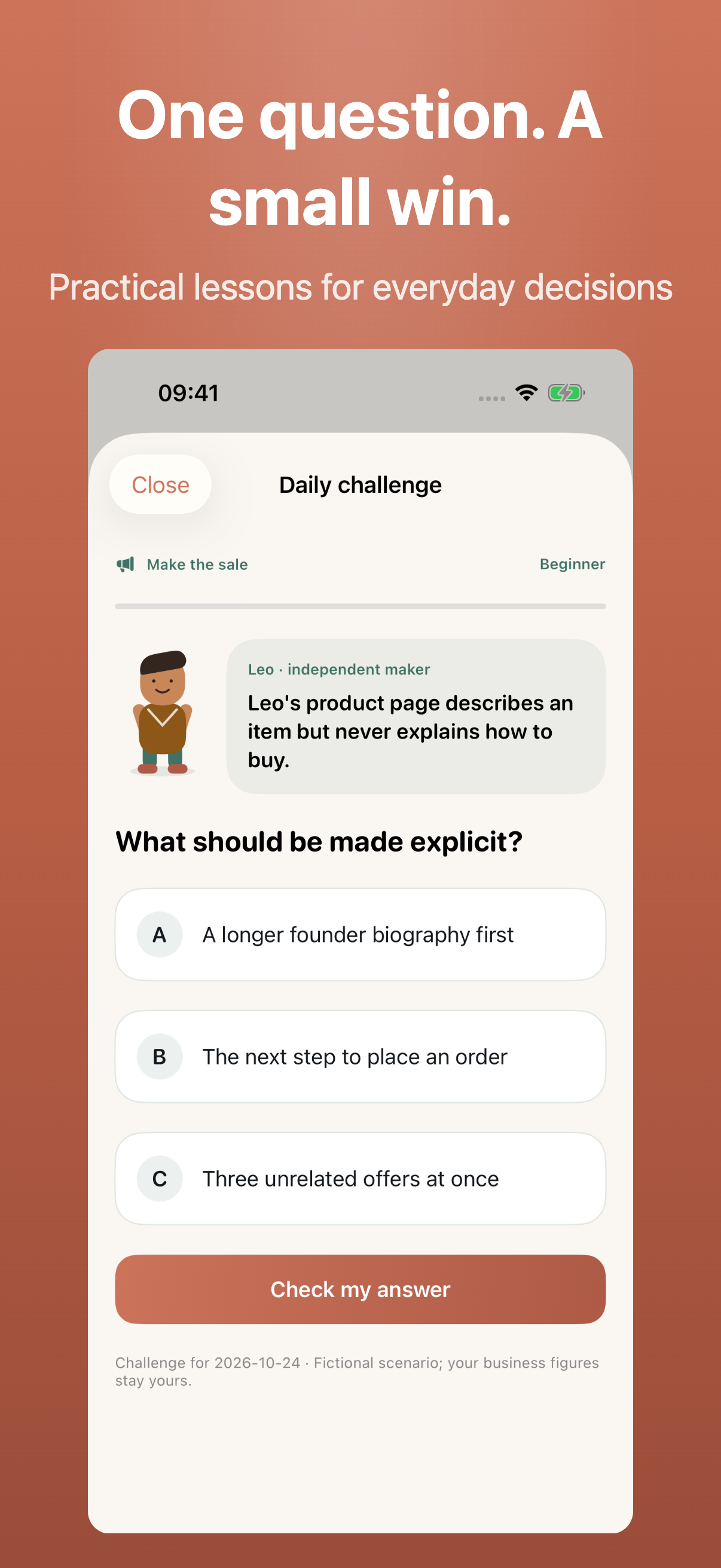
Answer daily business questions across six skill paths. Earn XP, outfits, and decorations, and collect founder pins from weekly cases.
Diary Mode
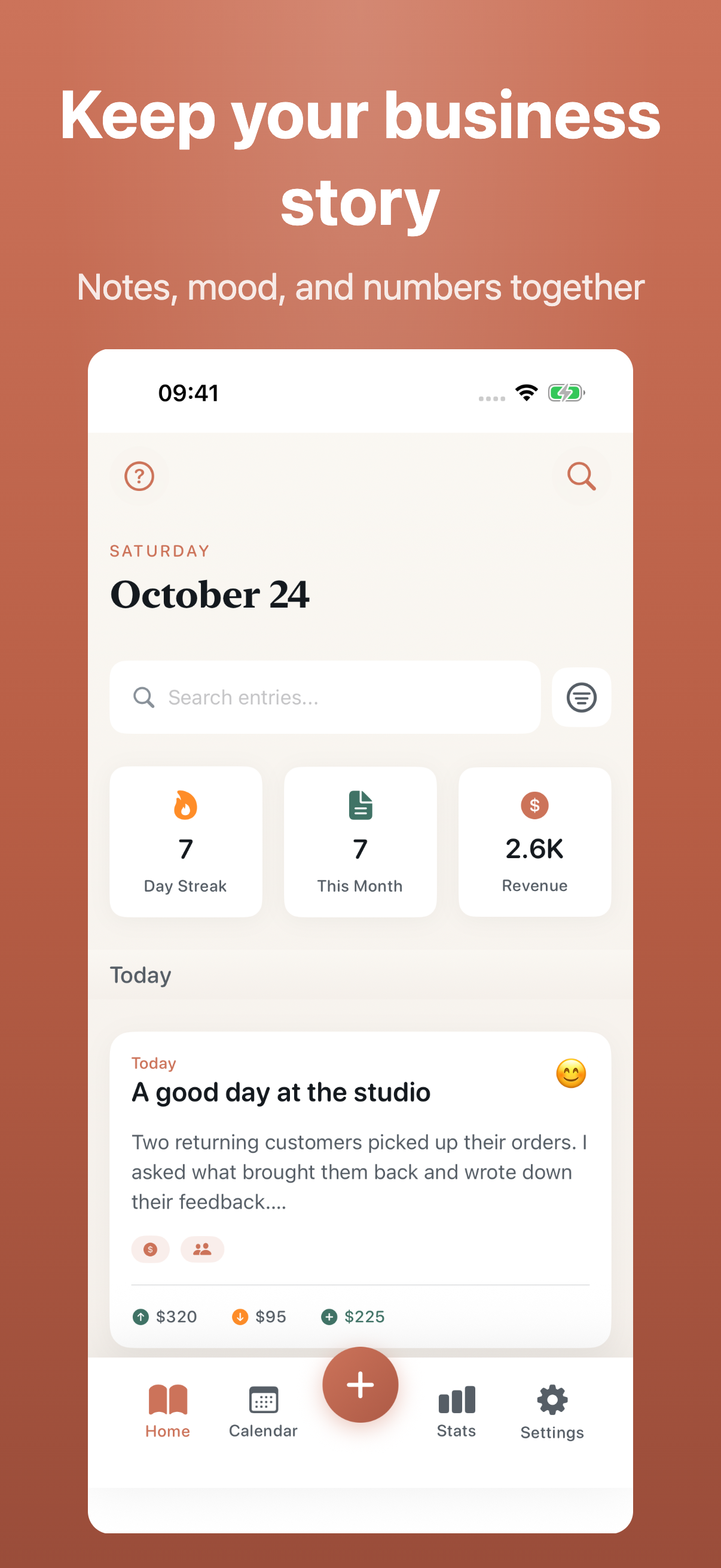
Keep the familiar journal with notes, mood, categories, search, calendar, and financial summaries. A quiet space to record each business day.
One Shared Journal
Switch in Settings → App Mode. Your entries, preferences, milestones, and learning progress stay saved. Active experiments keep running in either mode.
Progress from Real Results
Confirm your revenue, expenses, orders, or new customers. Your virtual premises expand when recorded results reach your business goals. Learning XP unlocks cosmetics only.
Four-Week Idea Experiments
Compare conservative, expected, and optimistic scenarios using your own assumptions. Run one experiment at a time, then review actual results against the saved forecast and baseline. Projections are estimates.
Business Insights & Analytics
Visualize mood trends, financial summaries, and activity patterns over weeks and months to make smarter business decisions.
Export All Your Data
Export journal and game records as CSV files in a ZIP, with a JSON backup of business documents. Diary PDF reports are also available. Local usage counters are included only when you export them.
Start in the mode that suits you
Play, reflect, and try a small change with one continuous record of your business.
Choose Your Mode
New users choose Diary or Game Simulator. Existing diaries open in Diary, with every entry preserved.
Learn & Record
Try a daily question, write a reflection, or record today’s results. Confirm diary figures before they count toward business milestones.
Try an Idea
Turn a lesson into an editable idea, add your assumptions, and start a four-week experiment. Switch modes whenever you like.
Your Data Stays Yours
Both modes work offline and store your data on your device. Optional private iCloud sync keeps journal entries, business experiments, and learning progress together across your devices. No app account, ads, or third-party trackers.
Frequently asked questions
About the game, your diary, and the progress they share.
Your next small win starts here
Play a daily question, capture a reflection, or give your next business idea a plan. One app, two ways to begin.
Download Free on the App StoreSB Diary · At a glance
A business learning game and private diary in one app. Answer daily questions, track revenue and mood, and test ideas with four-week scenarios. Works offline with optional private iCloud sync.
- Get started
- Free to try
- Availability
- Available on the App Store.
- Devices
- iPhone / iPad · iOS 17.0 or later
- Offline use
- Yes. Diary entries, business questions, learning rewards, and idea experiments work offline. An internet connection is needed for optional iCloud synchronization.
- iCloud and sharing
- Both modes work offline and store your data on your device. Optional private iCloud sync keeps journal entries, business experiments, and learning progress together across your devices. No app account, ads, or third-party trackers.
- Exports
- Export journal and game records as CSV files in a ZIP, with a JSON backup of business documents. Diary PDF reports are also available. Local usage counters are included only when you export them.
- Limits and scope
- Switch in Settings → App Mode. Your entries, preferences, milestones, and learning progress stay saved. Active experiments keep running in either mode.
Try the app for free. Check the App Store for available purchase options. Check the App Store listing
Questions & suggestions
Have a question, bug report, or feature idea? Send us a message — we read every one.