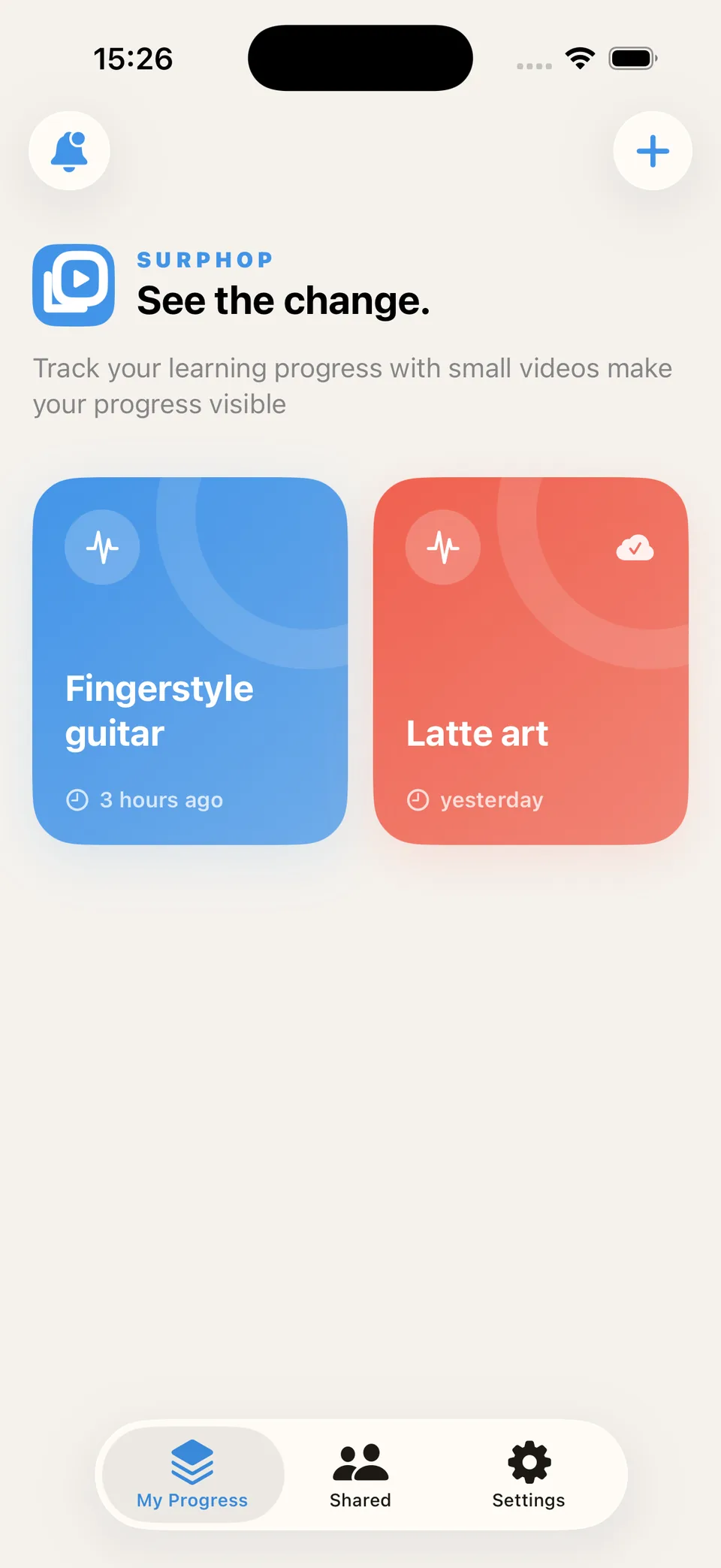
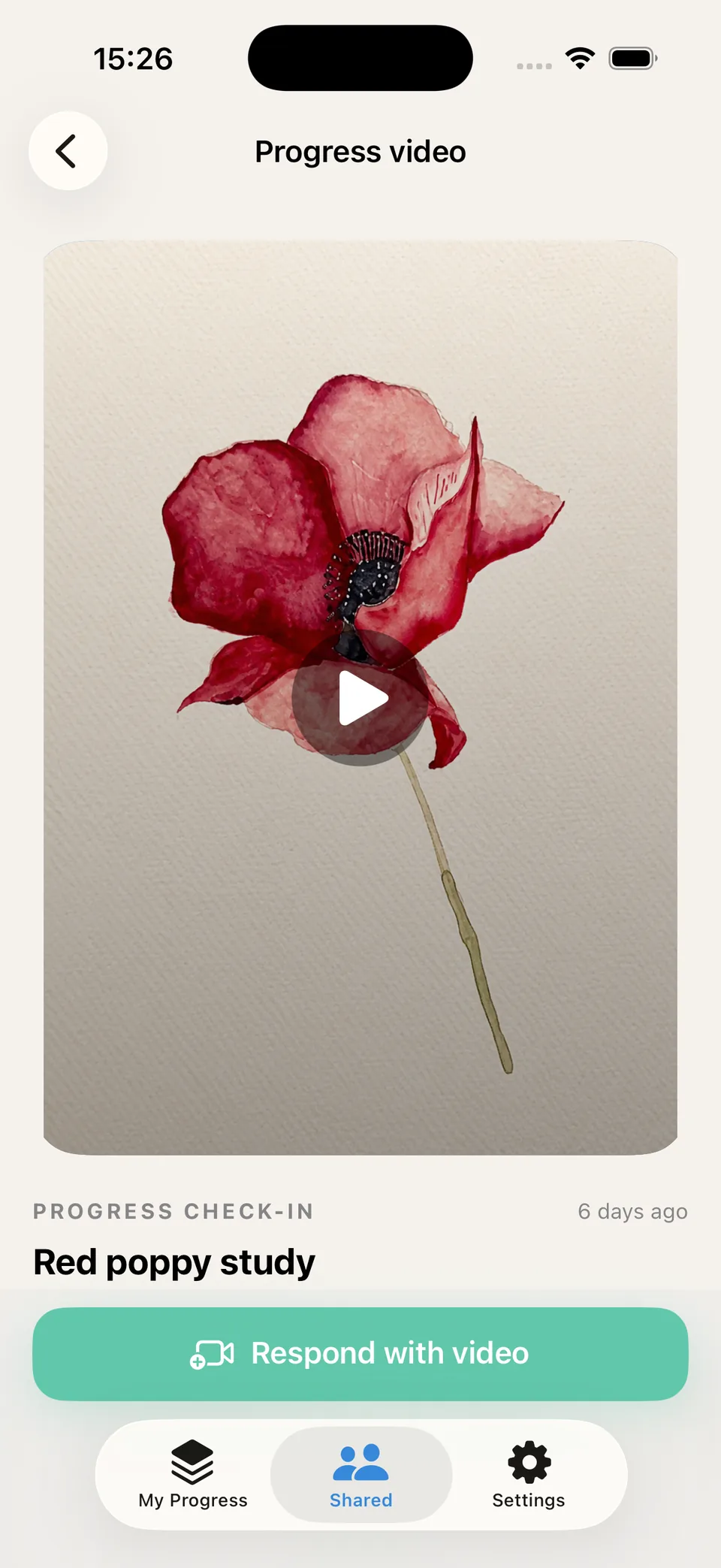
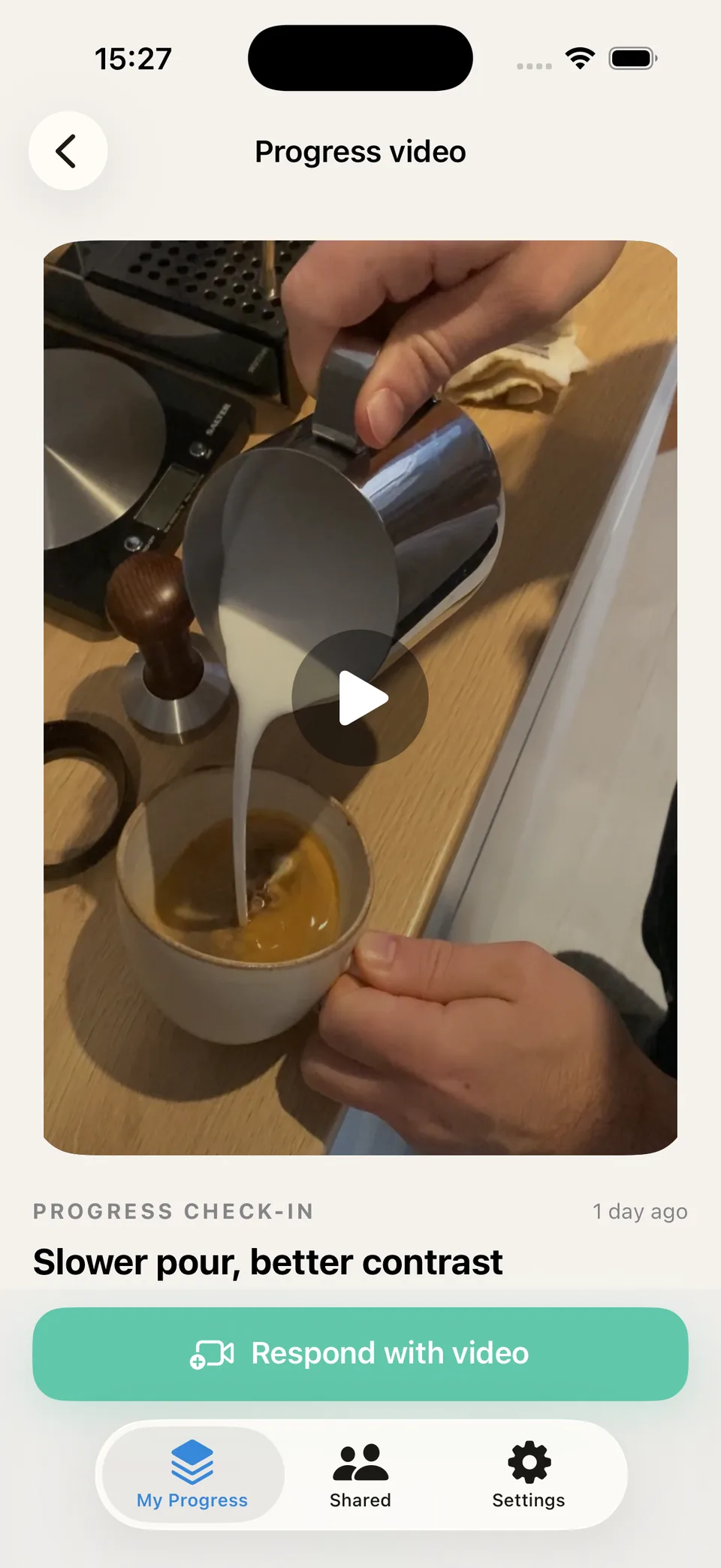
Kaizeando is for quiet learning progress. Record short videos on a skill timeline and exchange video tips with a teacher or friend through iCloud. For safety, both participants must be adults and each must unlock sharing with an in-app purchase to explicitly consent to exchanging videos. No ads. No subscription required.
Private skill timelines, short videos, and invited-only video tips. No public feed. No extra account.
🎞
Learning timelines
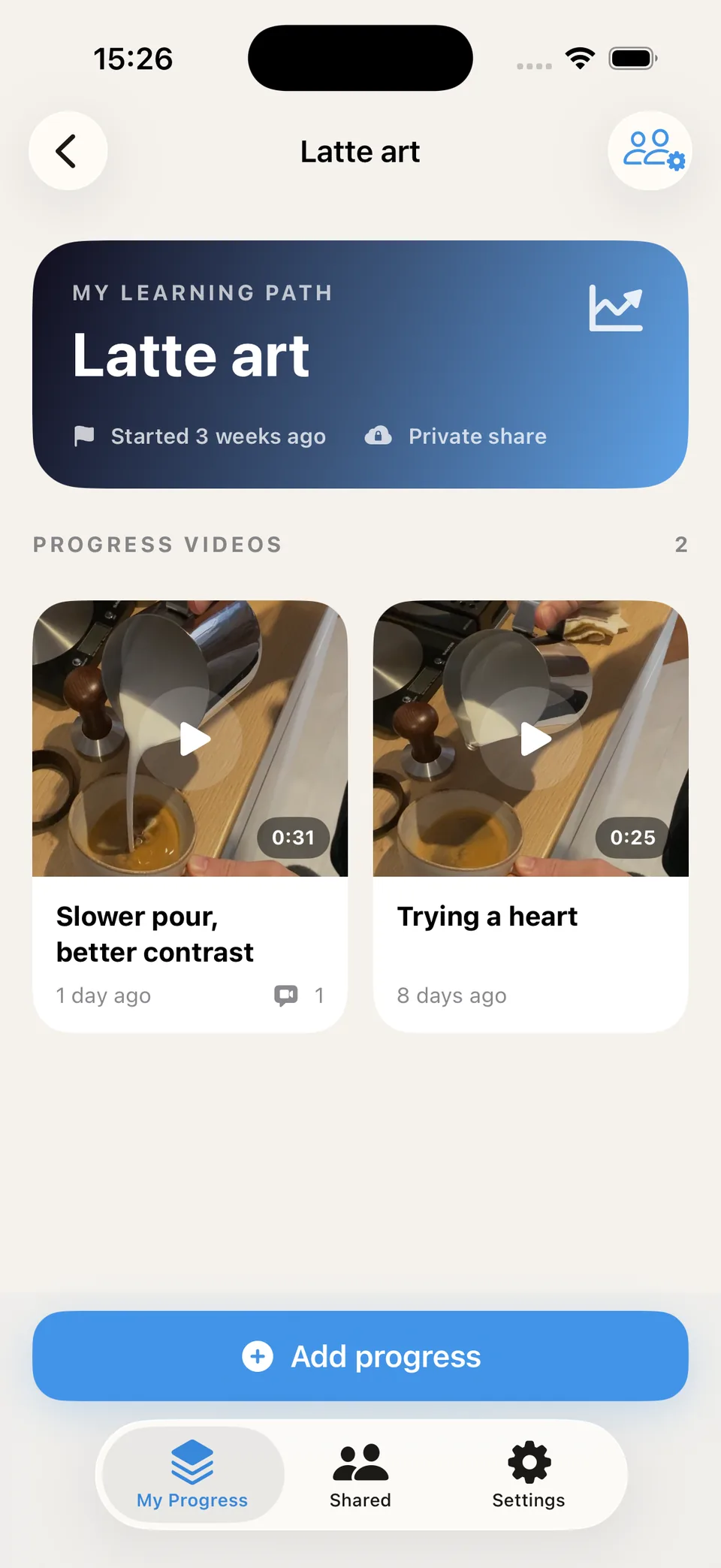
One timeline per skill. Name it, then add short clips as you practice. Newest first, so the change is easy to see.
⏺
Short progress videos
Record in-app or pick from your library. Clips stay under 5 minutes and 100 MB - enough to show the work, not a lecture.
💬
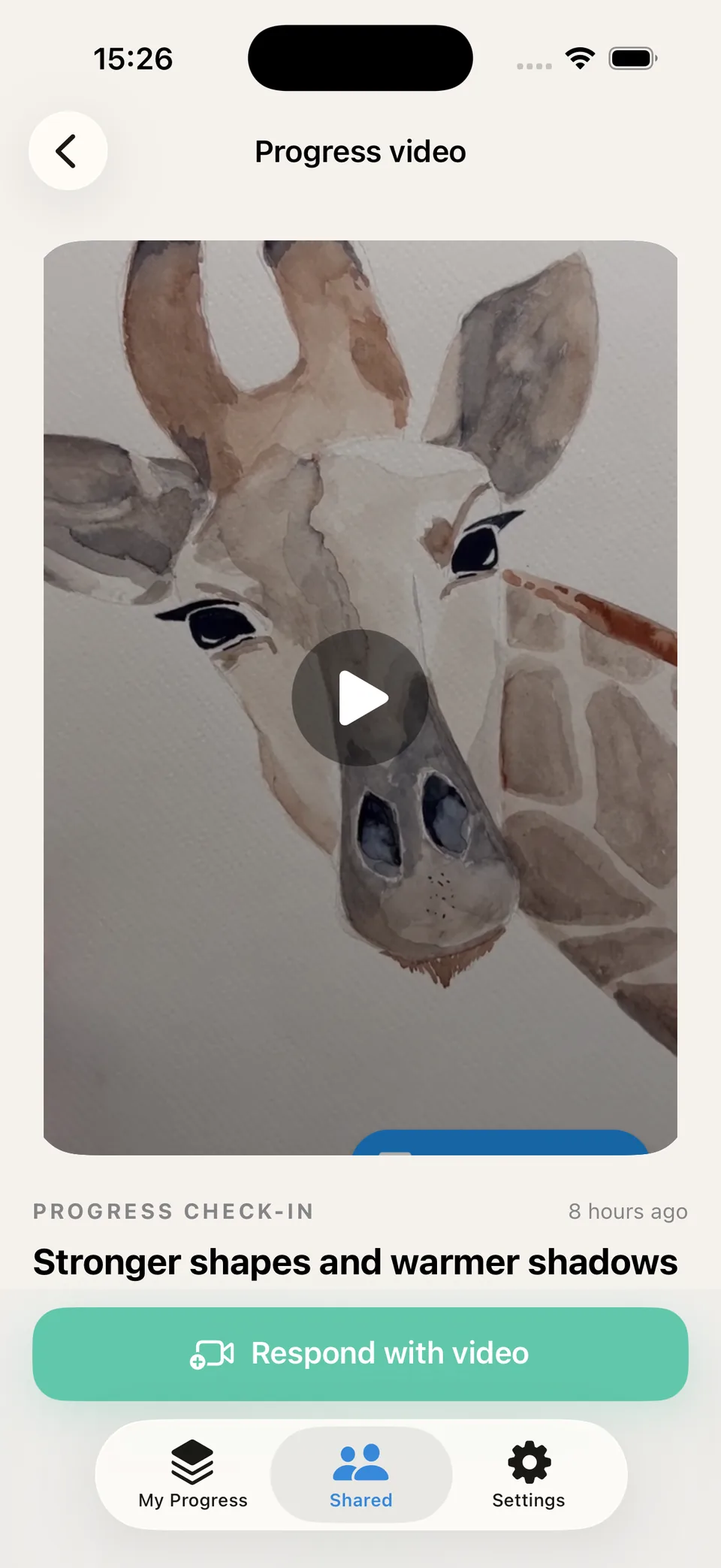
Video tips on that clip
A teacher or friend replies with another short video attached to the exact check-in. Not a timeline-wide comment thread.
✉️
Invite-only sharing
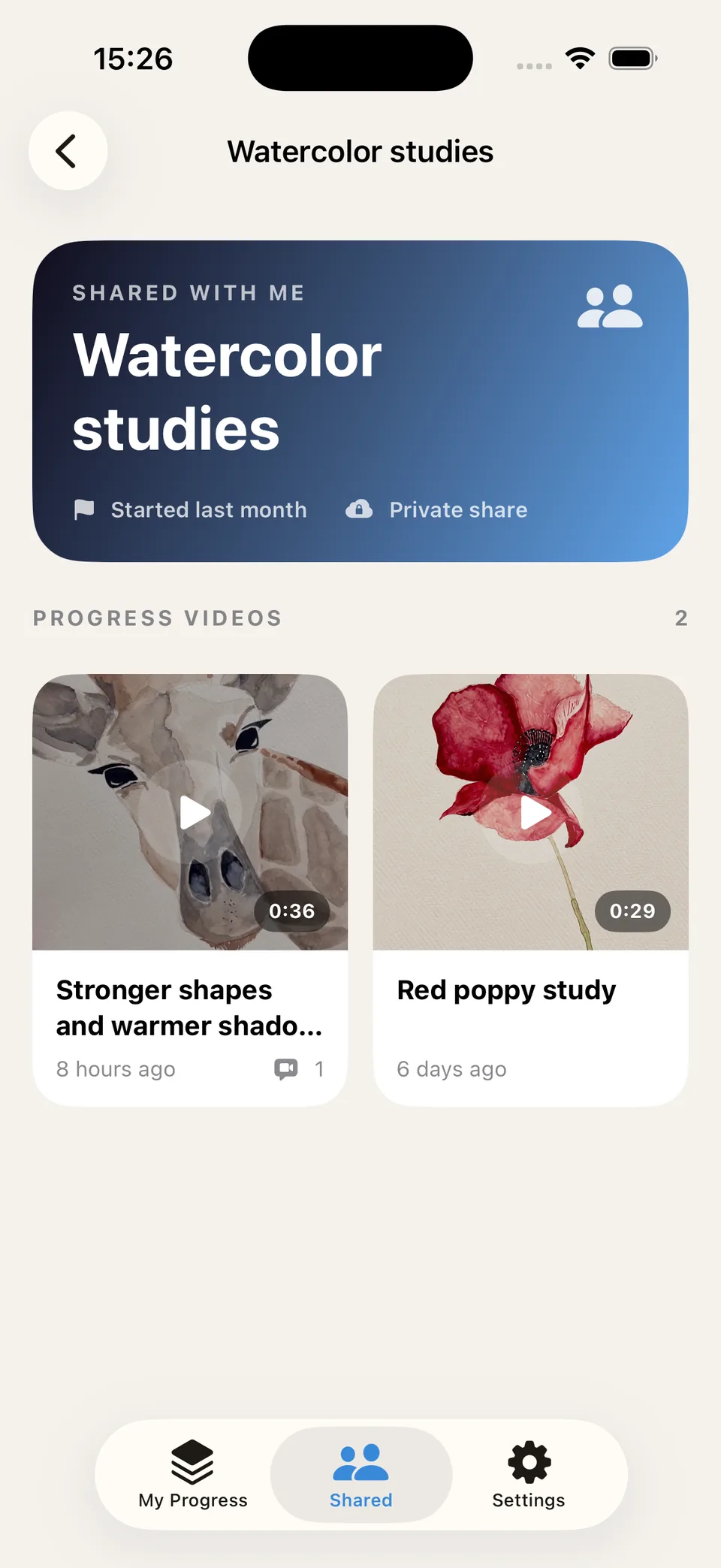
Share one timeline through a private iCloud invitation. No public link, no searchable gallery, no anonymous viewers.
☁
Your iCloud, your videos
Progress lives in your private CloudKit database. Sharing is for adults only, and both participants must unlock it with an in-app purchase. No separate app account is needed.
🔔
Know when they reply
When someone leaves a video comment on a timeline you’ve shared, you get an in-app notification - and a push alert if you allow it.
How it works
From a first clip to a private lesson
Three steps from “I’m practicing this” to a trusted person showing you what to try next.
1
Name the skill
Create a timeline for one thing you’re learning - fingerstyle, latte art, a language, a sport.
2
Record the work
Add short videos as you practice. Optional notes. The timeline becomes a private record of the change.
3
Invite someone you trust
Both you and the adult you invite must make the one-time sharing in-app purchase, giving explicit consent on both sides. Then share a timeline privately through iCloud and reply on the exact clip.
Free
Record on your timelines
Free
Try the app
0
Developer servers
Private
Your iCloud data
Your progress. Your iCloud. Your invite list.
Free to record on as many timelines as you want. Sharing is for adults only and requires a lifetime in-app purchase by each participant, so both explicitly consent to exchanging videos. No subscription required. No ads. No public feed.
A private journal for learning progress, with short videos on skill timelines and video tips through iCloud. For safety and explicit consent, both adult participants must unlock sharing with an in-app purchase. No ads. No subscription required.
No subscription required We always offer a one-time payment option.
Get started
Free to try
Availability
Coming soon; App Store download is not available yet.
Devices
iPhone and iPad; final compatibility will be confirmed at launch.
Offline use
Core records work offline on your device.
iCloud and sharing
Sync and invitations use your Apple ID and private iCloud. Internet access is needed to synchronise and share changes.
Exports
Video exchanges use private iCloud invitations. A bulk file export is not documented.
Limits and scope
Free to record on as many timelines as you want. Sharing is for adults only and requires a lifetime in-app purchase by each participant, so both explicitly consent to exchanging videos. No subscription required. No ads. No public feed.
Try the app for free. Check the App Store for available purchase options.